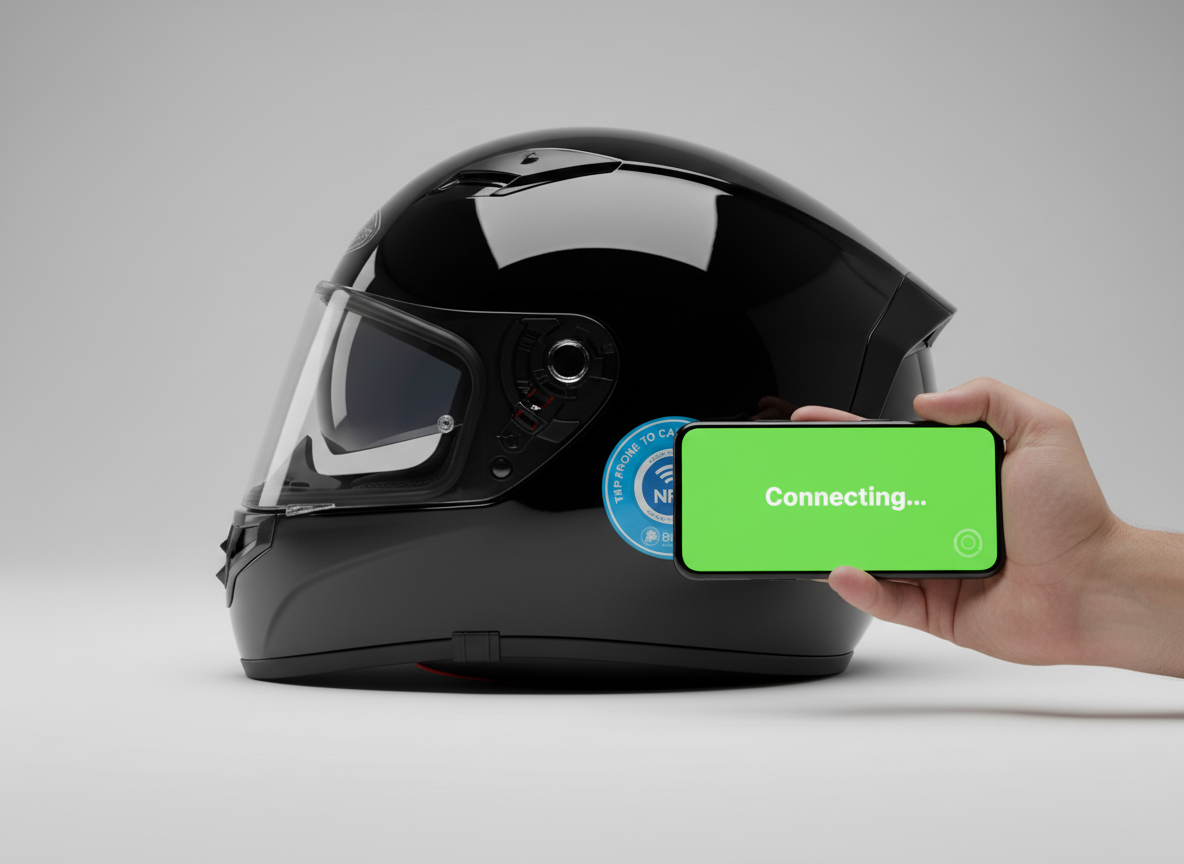
How BikeVi Works
Three simple steps to ride safer. No wires, no batteries, no apps.
Stick It On Your Bike or Helmet
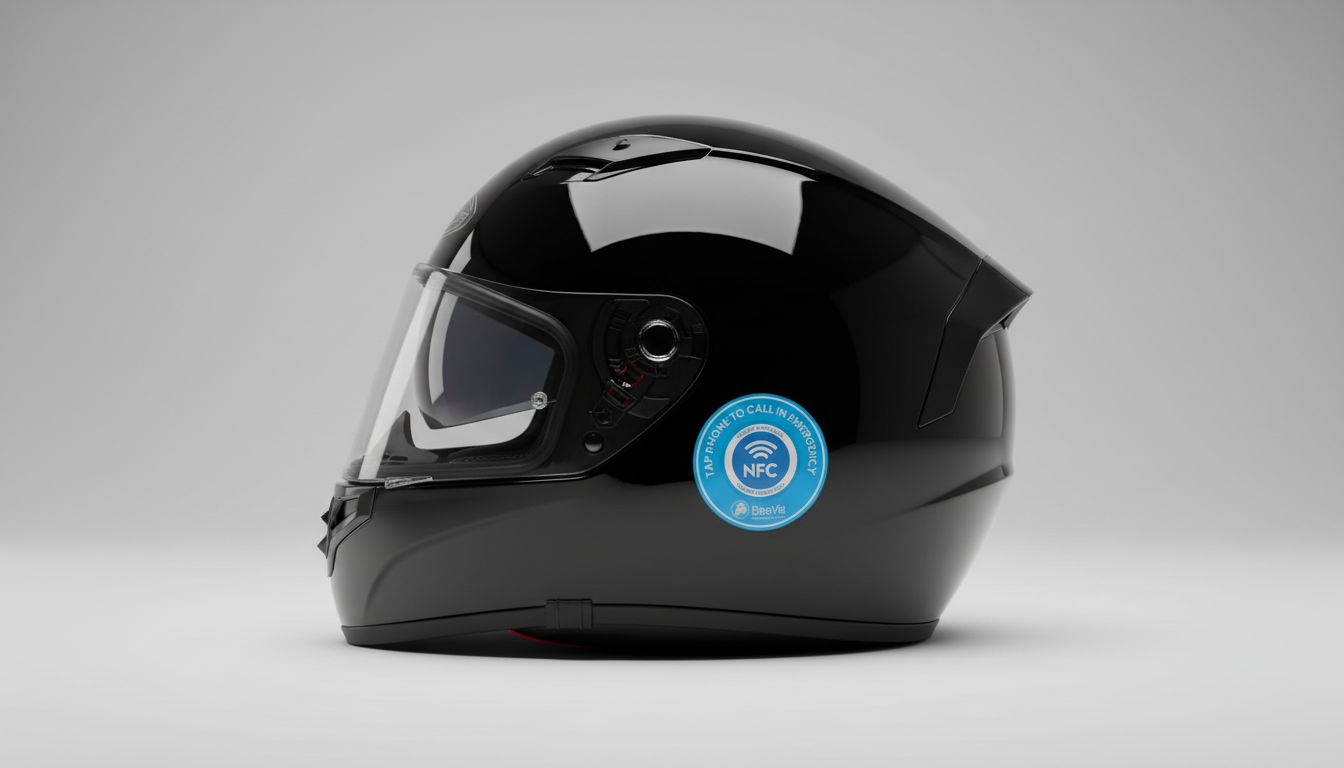
Peel off the backing and apply your BikeVi sticker to a visible spot on your motorbike frame, top tube, or helmet. The durable adhesive holds strong in all weather.
Works on metal, plastic, carbon fibre, and painted surfaces.
Set Up Your BikeVi Profile
Scan your own sticker to set up your contact flow. Add your phone number, video call preference, and emergency contacts. It takes 30 seconds.
Your data stays private. Helpers only see what you allow.
A Helper Taps to Contact You
In an emergency, breakdown, or any situation where someone finds your bike, they tap their phone on the sticker. A free video call starts instantly. No app needed.
Works on all modern NFC phones: iPhone 7+ and Android.
Where to Place Your Sticker
Stick it anywhere visible. Helmets, frames, fairings. Durable adhesive holds strong in all conditions.
On Your Helmet
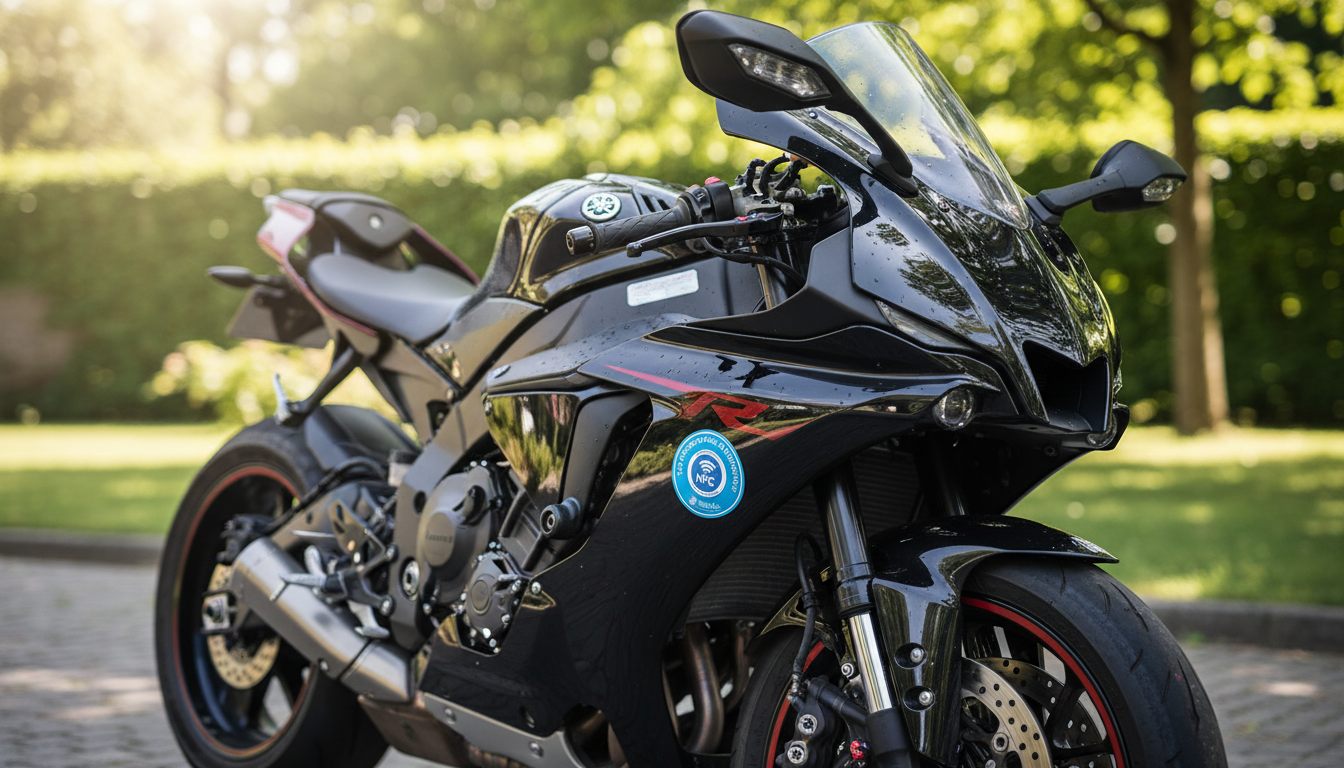
On Your Bike Frame
The "Tap to Call" Flow
When someone finds your bike or you need help, a helper simply holds their phone near the BikeVi sticker. Their phone reads the NFC tag and opens a secure page that lets them start a free video call with you, instantly.